

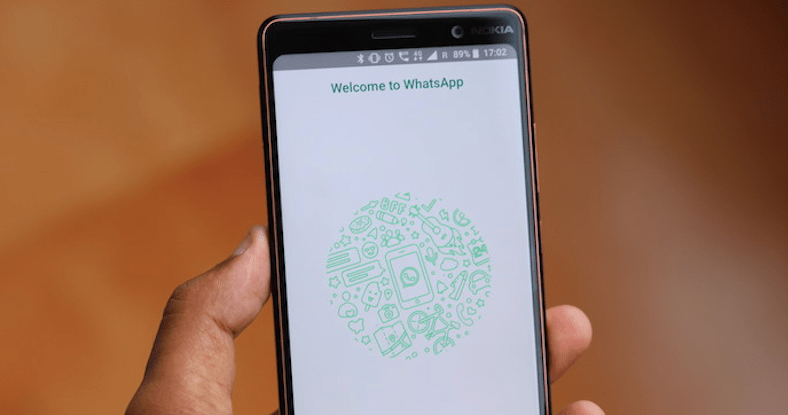
WhatsApp introduced fingerprint authentication for Android users in its latest version which was previously available for beta users. But now it’s available for all users
So, I’ll show you how to enable it in Android
Step 1: Download or update latest version of WhatsApp from Play Store.
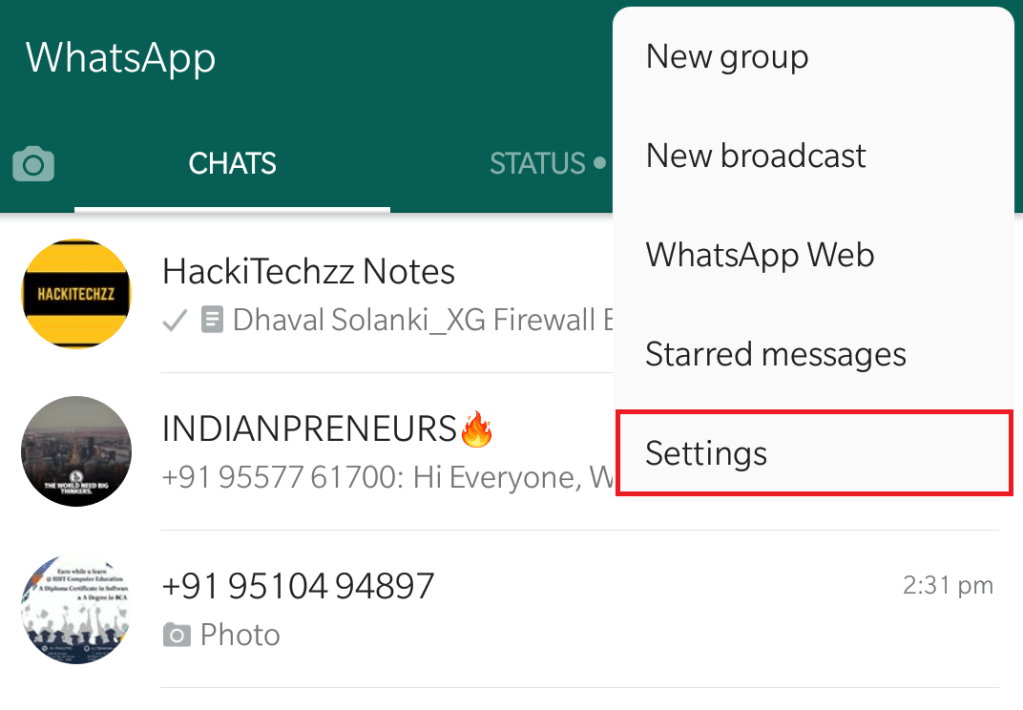
Step 2: Go into WhatsApp settings
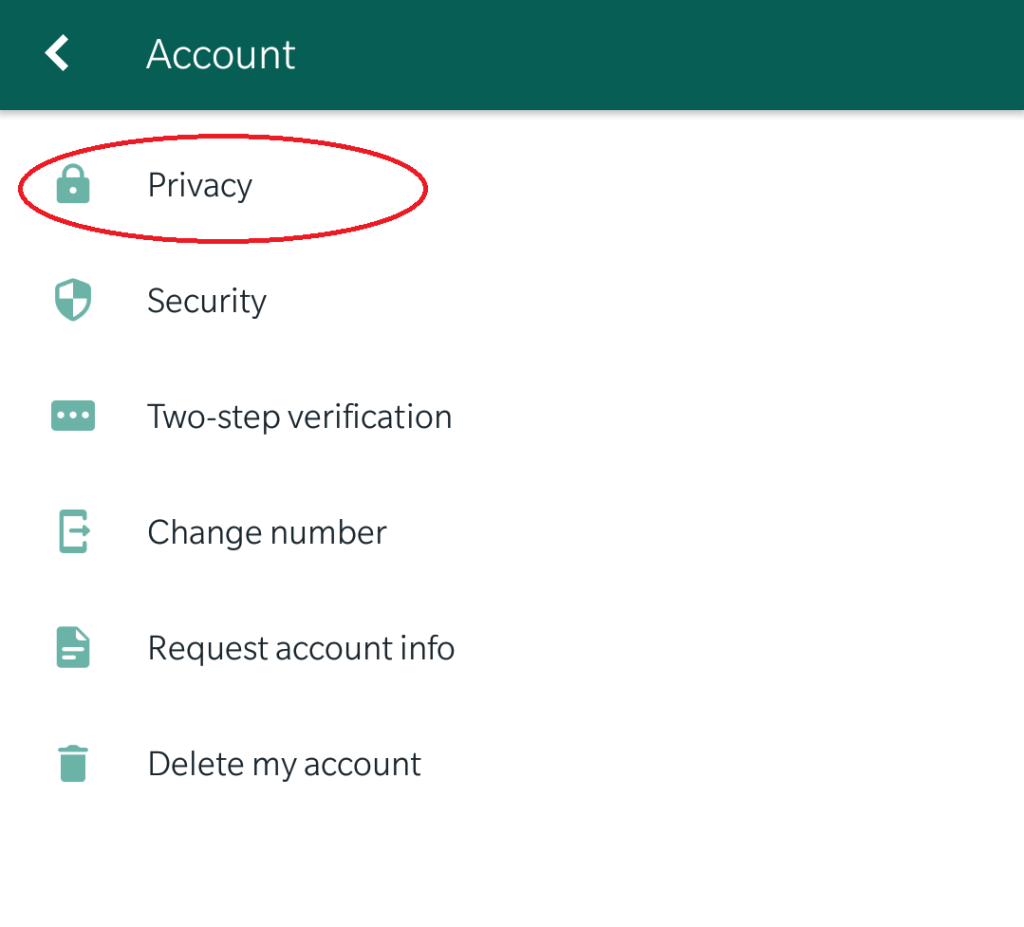
Step 3: Go into Account and then Privacy

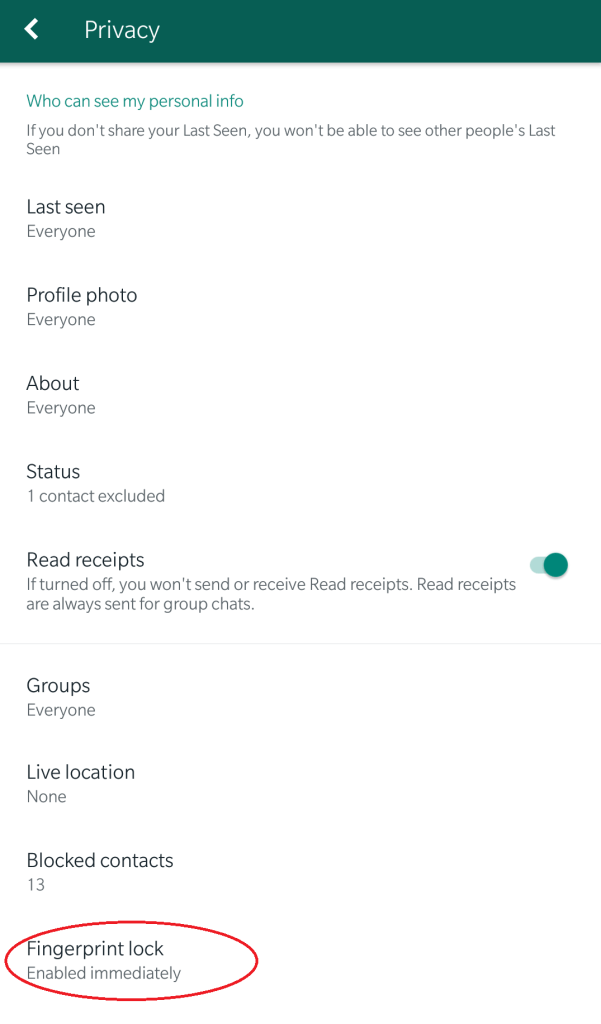
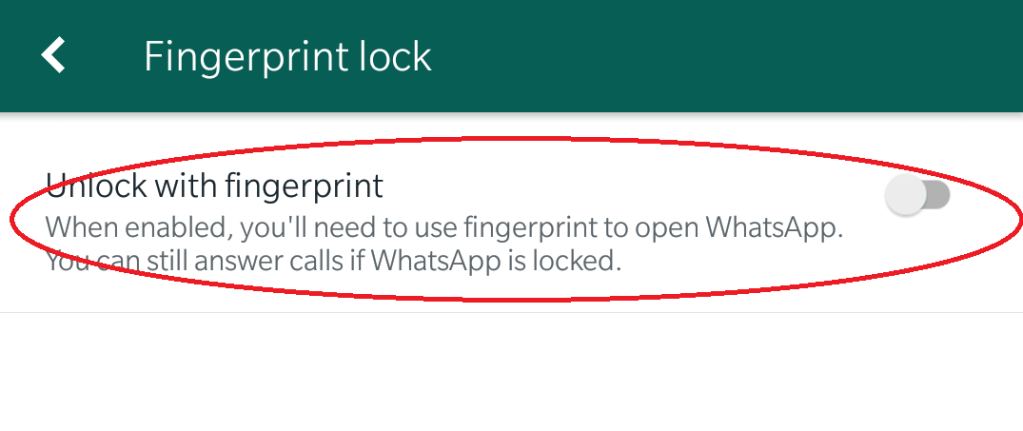
Step 4: Scroll down then you can see the fingerprint lock
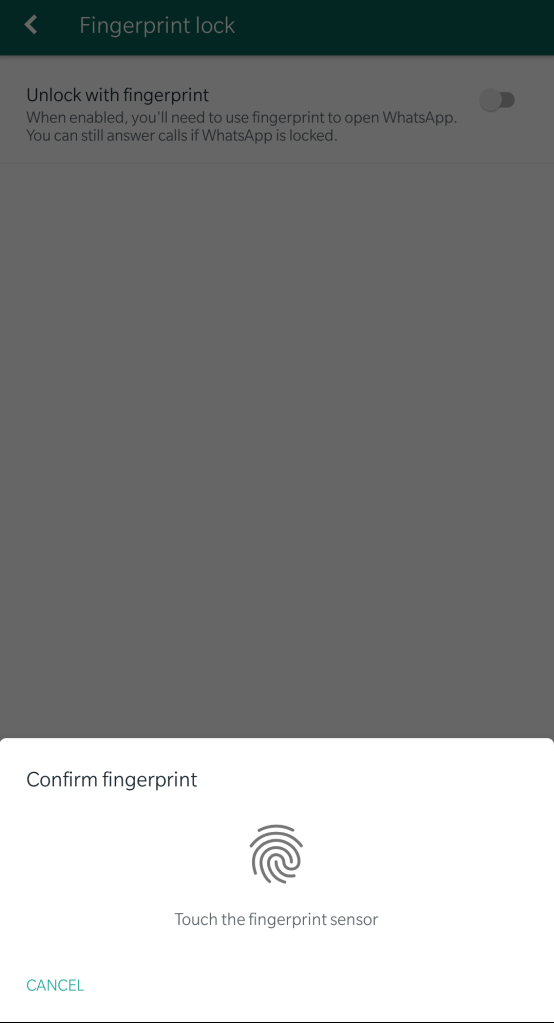
Now you can set fingerprint authentication.
 Dhaval's Tech Blogs