

How To Remove Stock Apps From Redmi Phones
remove-stock-apps Continue reading How To Remove Stock Apps From Redmi Phones

remove-stock-apps Continue reading How To Remove Stock Apps From Redmi Phones
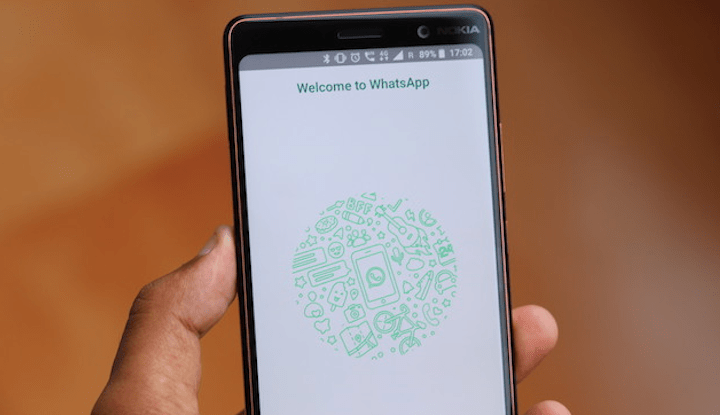
WhatsApp introduced fingerprint authentication for Android users in its latest version which was previously available for beta users. But now it’s available for all users So, I’ll show you how to enable it in Android Step 1: Download or update … Continue reading How To Enable Fingerprint Authentication in WhatsApp
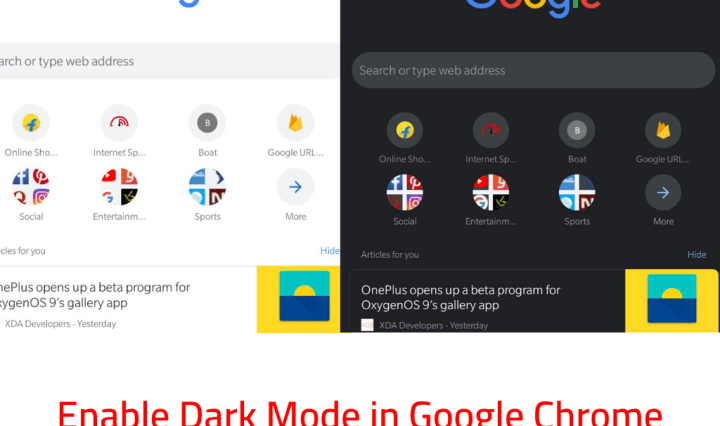
Nowadays dark mode is popular among all apps like Twitter, YouTube, etc. Now you can enable dark mode in Google Chrome also. So let’s get started. Steps for enabling Dark Mode Update Google Chrome to latest version from Play Store … Continue reading How To Enable Dark Mode in Google Chrome
redmi-note7pro-buy-working-trick Continue reading Buy Redmi Note 7 Pro in Flash Sale Working Trick

For installing custom ROM on your device, you need to know the device code name of your device. On Download Page of custom ROMs, you can see many files and code names and you got confused that what file you … Continue reading How To Find Device Code Name Easily – Very Useful For Custom ROMs

Everyone wants to install custom in their device because they are bored with the stock OS that comes with the device because the device manufacturers don’t promise to give OTA updates and Security Patches after some years. When time passes … Continue reading How to Download Custom ROM for any Device

Realme 2 Pro was launched in October 2018. It is a very popular smartphone of Realme brand. It is a very good smartphone but users and Developers requesting bootloader unlock because they want to install custom ROMs. So Realme promised … Continue reading How to Unlock Bootloader of Realme 2 Pro
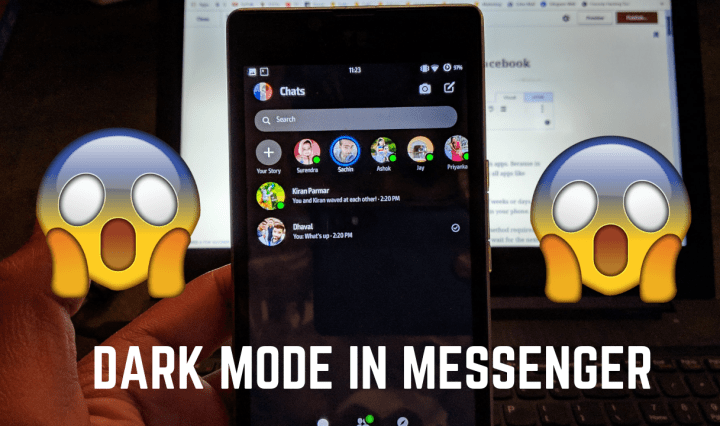
Nowadays Dark mode is all that all users want in their phone and in apps. Because in dark mode battery drain is very slow. Personally, I use Dar mode in all apps like WhatsApp, YouTube, Twitter, and many other apps. … Continue reading How To Enable Dark Mode in Facebook Messenger

Banking Apps are only running on Non-Rooted Android phones. When you root the phone and install Banking Apps then it doesn’t run. Banking Apps doesn’t run on the rooted phone because SafetyNet of an Android OS is compromised. SafetyNet provides … Continue reading Run Banking and DRM Protected Apps in Rooted Android Phone
 Dhaval's Tech Blogs