

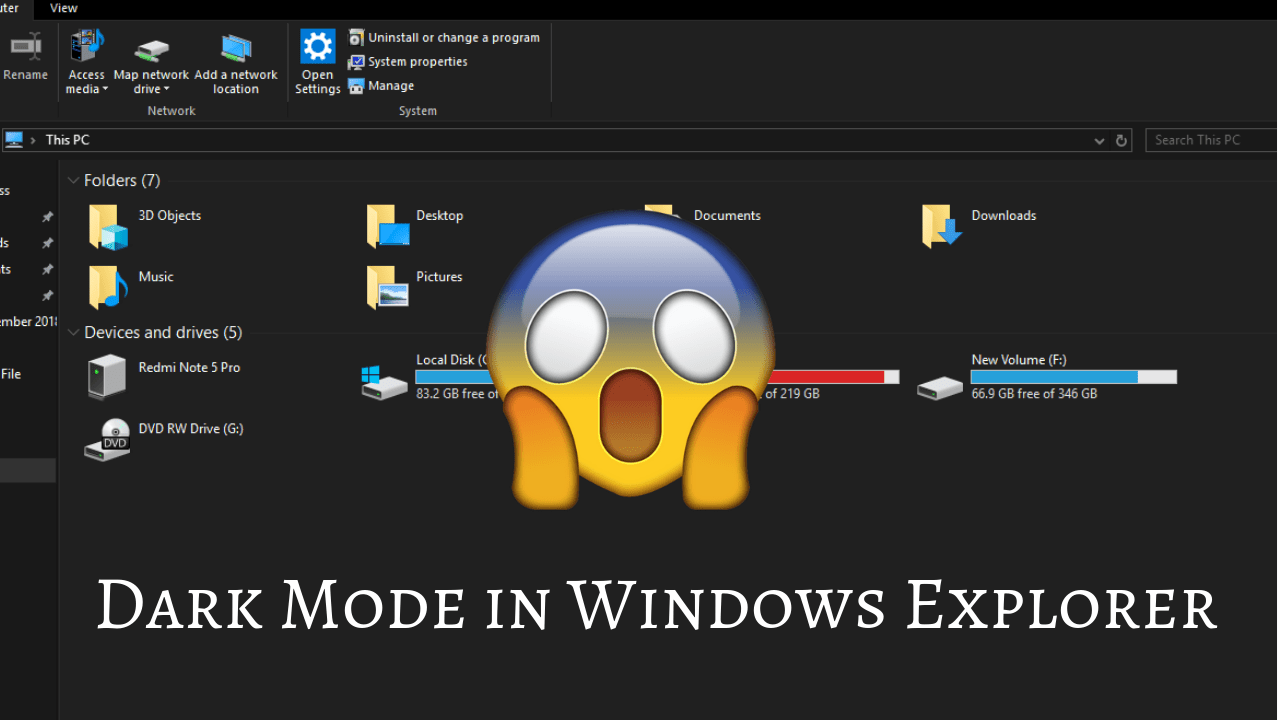
Windows released new October update for Windows 10. In this update there are many features are available. In this post, I will show how to enable Dark mode in Windows Explorer.

- First of all update Windows 10 to latest version (Version 1809 Build 17763.195)


- Go into Settings -> Personalization
- Select Colors option from left side of Personalization Window.

- Select Dark option

That’s it. You successfully enabled Dark Mode in Windows Explorer

See this YouTube Video : https://www.youtube.com/watch?v=RkZ0FTBuLKI
 Dhaval's Tech Blogs
Waiting for this day so far😍
LikeLike
Excellent
LikeLike